FCA Farm
EN ▾
NEW ✨ FCA AI — instantly enhance your finished render with AI: edit, upscale, turn into video

Your render queue just went global.

Push 3ds Max scenes to a cloud render farm with one click. Start producing frames in seconds with Corona and V-Ray.
🎁 Sign up now and get 5 free credits!
How it works
FCA Farm 24/7
⬡ FCA Render Cloud
SceneVilla_Final.max
CameraCamera001
Resolution3840 × 2160
EngineCorona
Estimate~3.2 ⬡
▶ Submit to Farm
Uploading assets…
Rendering — Frame 1287/2500
Pass 38 Noise %4.2 24 nodes active
✓ Completed
⬇ Download ZIP ✨ Enhance with AI
Corona + V-Ray render engines
13 languages
$1 per render hour

Why FCA Farm?

A cloud render infrastructure built for professional 3ds Max studios, accessible from anywhere in the world.

Fast queue

Atomic claim + auto-failed: your render queue never gets stuck.

Global reach

13 languages, multi-currency, CDN-based upload worldwide.

Corona + V-Ray

Full support including LightMix, render elements, V-Ray pre-flight checks.

3ds Max plugin

Asset scanning, chunked upload, SHA cache — your scene ships intact.

Security

TLS 1.3, Argon2ID, JWT, isolated storage. Your scenes stay yours.

Transparent pricing

Pay-as-you-go or subscription. Credits never expire.

How it works

Your scene goes to the cloud, gets distributed across 50 machines, frames render in parallel — you just download the result.

1

Sign up

Create an account, load credits — start in minutes.

2

Install plugin

Download the 3ds Max plugin ZIP and connect your account.

3

Submit

Prepare your scene, click "Render Cloud".

4

Download

When done, grab your frames as a ZIP from the dashboard.

Render Farm Hardware

Your scenes are processed on latest-gen AMD Ryzen 9 CPUs and NVIDIA RTX 50-series GPUs — high core counts and massive VRAM.

50render machines
1.600CPU threads
~4,4 THztotal CPU power
50NVIDIA RTX GPUs
5,8 TBtotal RAM
Lot 1 25×
  • CPUAMD Ryzen 9 7950X 16C / 32T · 5,7 GHz
  • GPUNVIDIA RTX 5070
  • RAM128 GB DDR5
Lot 3 10×
  • CPUAMD Ryzen 9 5950X 16C / 32T · 4,9 GHz
  • GPUNVIDIA RTX 3060
  • RAM64 GB DDR4

Pricing

Pay-as-you-go or subscription. Save up to 20% with bulk packages.

1 credit = $1 = 1 render hour. Pay as you go, no hidden fees.
Render cost per hour
FCA Farm$1/hr
Typical cloud render farm$2–4/hr
Industry rates typically range $2–4/hour; FCA Farm is a flat $1/hour.
Starter
$50
50 credits
1 credit = 1 hour
  • ✓ Pay-as-you-go
  • ✓ No commitment
  • ✓ Email support
Pro
$250
275 credits
+25 bonus credits 🎁
  • ✓ Priority queue
  • ✓ Live chat support
  • ✓ API access
  • ✓ Team seats
Studio
$500
550 credits
+50 bonus credits 🎁
  • ✓ Dedicated render node
  • ✓ 99.5% SLA
  • ✓ Team seats
  • ✓ White-label option

All prices in USD. Stripe Tax for automatic VAT/GST/sales-tax handling.

Built into 3ds Max

Install the plugin and submit with one click. Asset scanning, missing-file detection, LightMix path handling — all automatic.

  • ✓ Supports 3ds Max 2024 / 2025
  • ✓ Corona Renderer 14 + V-Ray 6 integration
  • ✓ LightMix triple-channel render element pipeline
  • ✓ Resumable chunked upload — 50 GB+ scenes
  • ✓ Auto-update + diagnostics panel
Installation guide
FCA Farm — Render Submit
SceneBanyo_Final.max
CameraCamera001
Resolution3840 × 2160
Frames1 – 240
EngineCorona Renderer
Estimated~12.4 credits
▶ Submit to Farm

FCA AI — don't stop where your render ends

Send your finished render to the FCA AI studio in one click: edit with state-of-the-art image models, upscale, or turn it into video — all inside your panel.

🎨

Edit with AI

Add people to your finished render, swap the background, turn day into night — just describe it in plain language.

Nano Banana 2Nano Banana ProGPT Image 2
🔍

Upscale

Enlarge your render to 2K/4K and sharpen details — print and presentation quality output.

Magnific2K / 4K
🎬

Turn into Video

Generate a cinematic camera-move clip from your still render — you pick the start/end frames.
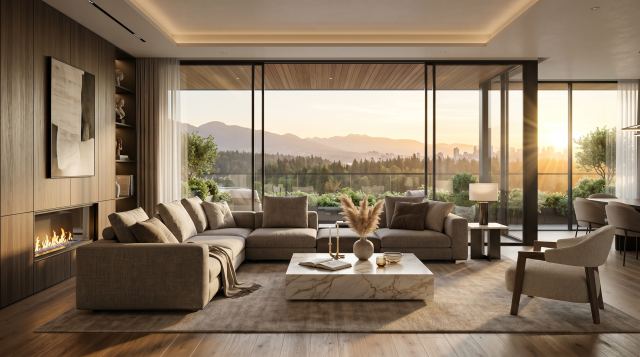
Image-to-Video
🎞 Real example: from two frames to a cinematic video
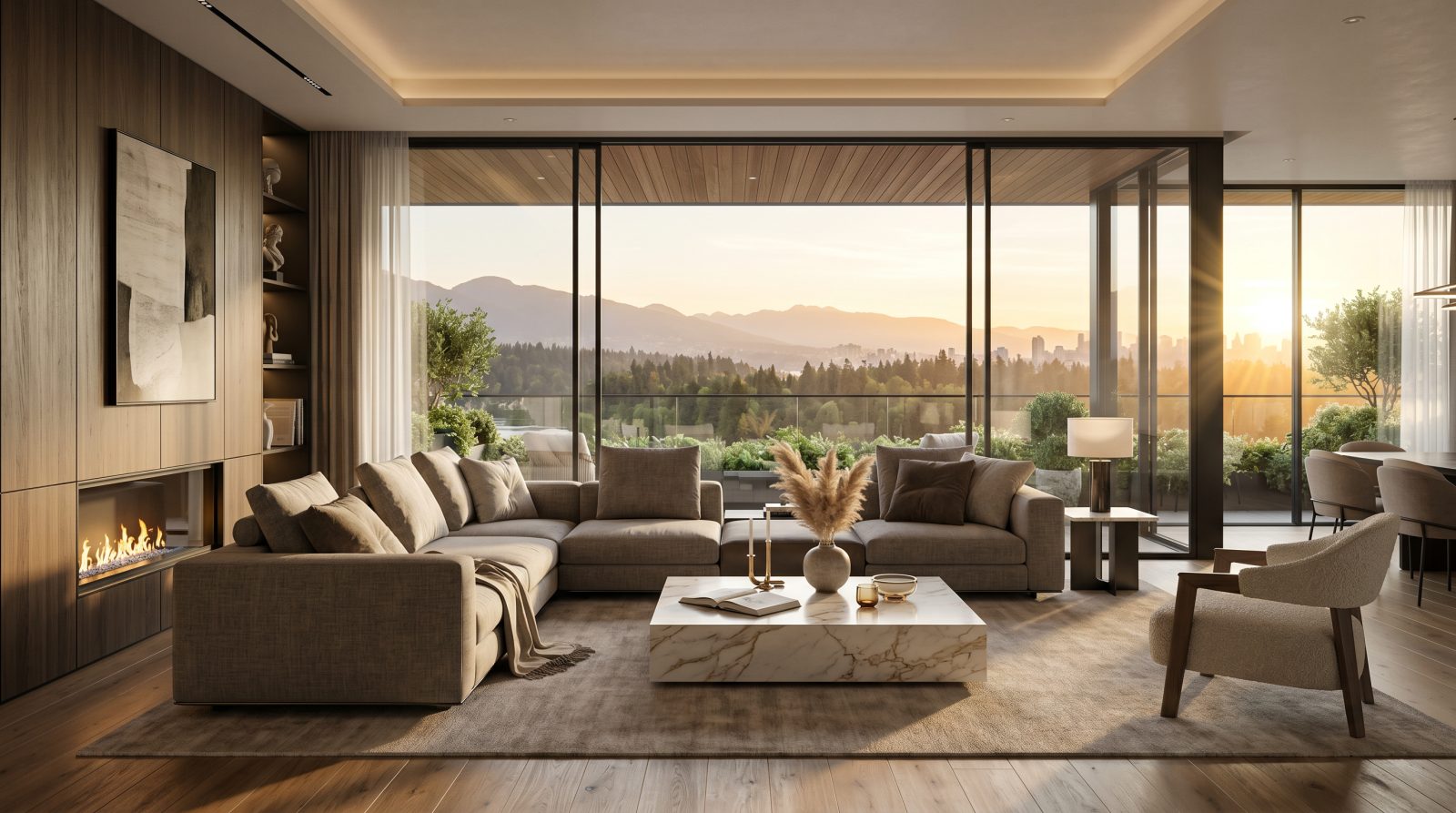
1 Start frame — your render
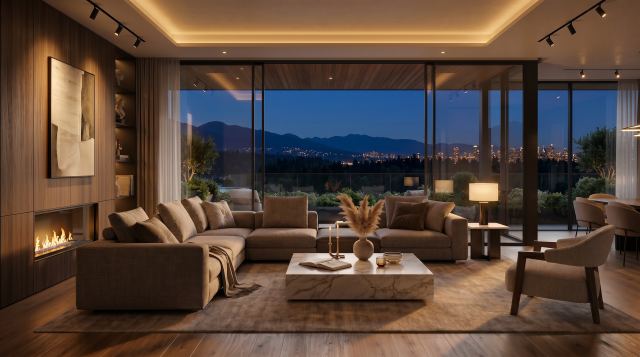
2 End frame — turned to night with AI
3 FCA AI generated the in-between frames — a 5-second cinematic transition

The images and video in this example were created entirely inside FCA AI — you can do the same from your panel.

Your first frame in minutes

Open your account, load credits, start rendering.